

Web scraping has evolved with the rise of AI web scraping tools, moving beyond brittle HTML parsing and constant battles with complex web systems. In 2026, AI-native internet scraping tools turn data extraction into a strategic advantage – using intent-based instructions, self-healing workflows, and built-in infrastructure to deliver clean, structured data with minimal maintenance. Today’s landscape spans developer-first APIs that feed RAG pipelines and AI agents, as well as no-code platforms that let business teams monitor complex websites without writing code.
In this guide, we break down the five best AI scraping tools, comparing their technical approach, pricing plans, and ideal use cases to help you choose the right engine for your workflow, scale, and team.
Disclaimer: The analysis on AI web scrapers presented in this article relies on information current as of 2026/01/22. Before depending on any comparative data, all users are advised to confirm the most recent status of products and services.
Top AI web scraper: quick overview
| Tool | Technical level | Best for | Standout AI feature | Starting price | Free trial/credits | Primary formats | Key advantage |
|---|---|---|---|---|---|---|---|
| Oxylabs AI Studio | Low-code | AI agents & enterprise LLM pipelines | Five-app suite for scraping, crawling, search, and mapping | $12/mo | 1,000 credits | JSON, TOON, Markdown, HTML, URL lists, Screenshots | Massive proxy infrastructure (195 countries) + native MCP support. |
| ScrapingBee | Developer | Scaling web data extraction | AI-powered extraction via plain-english queries | $49/mo | 1,000 API calls | HTML, JSON, Markdown, Text | Advanced proxy layer and JavaScript rendering with zero config. |
| Firecrawl | Developer | RAG systems & vector DBs | Schema-based extraction | $16/mo | Free tier with 500 credits | Markdown, JSON, HTML, Screenshots | Markdown-first approach |
| Browse AI | No-code | Monitoring dynamic/hidden sites | Record-and-replay: robot training by simply browsing | $19/mo | Free tier with 50 credits | CSV, JSON | Self-healing robots that fix themselves when a website changes its code |
| Octoparse | No-code | E-commerce & market research | AI auto-detect: identifies fields and structures data visually | $60/mo | Free tier with 10 tasks | Excel, CSV, JSON, Google Sheets | Powerful desktop client for complex multi-step workflows & nested IFrames |
AI web scraper: what is it?
An AI web scraper uses machine learning and large language models to understand and structure web content, rather than relying on rigid, hand-coded rules. Instead of specifying exactly where each piece of data sits on a page, you describe what you need in plain language, and the AI locates it and returns clean, structured data.
The difference from traditional scraping comes down to flexibility. A traditional scraper depends on fixed instructions – a developer identifies specific HTML elements with CSS selectors or XPath, then writes code to grab them. It works until the site changes its layout, at which point the selector breaks and the scraper fails. AI web scraping tools take an intent-based approach instead: you extract structured data using natural language, and the AI adapts to messy real world HTML, dynamic JavaScript-loaded content, and layout changes with far less maintenance.
The AI typically comes in at three points: interpreting your plain-English request, automatically identifying the relevant fields on a page (auto-detect), and parsing raw, messy HTML into clean, structured output like JSON or Markdown. The result is a scraper that reads a page more like a person would – understanding intent and adapting to change – which is what makes today's AI scraping tools practical for feeding AI agents, RAG systems, and large-scale automation.
What can AI scraping tools extract?
AI scraping tools can collect virtually any publicly available website data, then deliver the scraped data as clean, structured, LLM-ready data. Because they interpret pages rather than follow rigid rules, they handle everything from simple text to complex, dynamic layouts across a wide range of sources. Common types of web data these tools extract include:
Pricing and product data: product names, prices, descriptions, availability, and reviews from e-commerce sites – the foundation of most price monitoring and competitive intelligence workflows.
Real estate listings: property details, prices, locations, and market data for investment research and analysis.
Job postings: roles, salaries, company names, and locations from job boards and career pages for recruitment and hiring-trend analysis.
Business and contact information: company details, decision-maker profiles, and contact data from directories and company websites for lead generation.
Local business data: listings, ratings, reviews, and location details from sources like Google Maps for market research and prospecting.
Social media content: public posts, profiles, engagement metrics, and comments from social media platforms for sentiment and trend analysis.
Search engine results: ranked results, snippets, and metadata for SEO monitoring and keyword research.
News and articles: headlines, full text, and publication dates for media monitoring and research.
Once collected, this data can be exported to spreadsheets and databases for reporting, or fed directly into AI agents, RAG systems, and automation pipelines as structured, ready-to-use input.
The 5 best AI scraping tools
Oxylabs – best web scraper for clean, real-time data for AI agents and LLMs
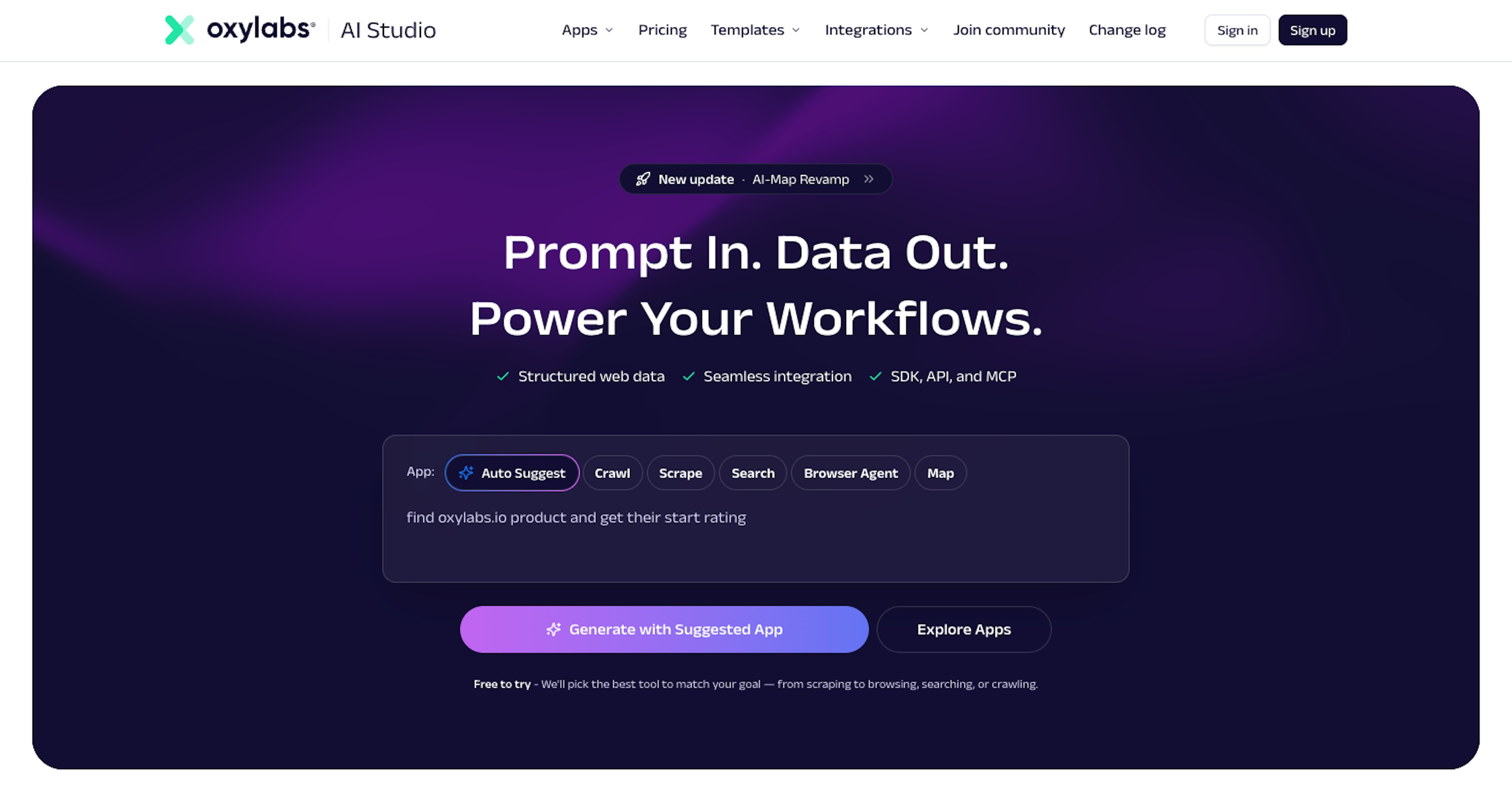
Oxylabs AI Studio is one of the best web scraping tools out there. It’s a low-code, AI-powered platform for web data extraction and automation. Describe the data you need in plain English, and AI Studio handles crawling, parsing, and delivery – no scripts or technical setup required. With specialized apps for crawling, scraping, search, and browser automation, it’s built for scalable data extraction and AI-driven workflows.
Key features
Five specialized AI-powered apps: AI-Scraper (extracts structured data from any page via natural language), AI-Crawler (explores related pages from a starting URL based on prompts), Browser Agent (automates browsing interactions using simple prompts), AI-Search (performs targeted web searches with AI), and AI-Map (maps internal site structure to discover valuable URLs).
LLM-ready structured output: returns clean, parsed scraped data in multiple formats (JSON, Markdown, HTML, URL lists, screenshots, and more, depending on the chosen tool), optimized for AI agents, LLMs, and workflow automation.
Enterprise-grade infrastructure management: built on Oxylabs’ IP proxy infrastructure with automatic IP rotation, CAPTCHA handling, and JavaScript rendering to navigate even the most sophisticated web systems.
Seamless workflow integration: native MCP (Model Context Protocol) server support, Python and JavaScript SDKs, and integrations with third-party tools.
How it works
AI Studio is a low-code, cloud-based platform where you provide a URL and describe your scrape data needs in plain English. The AI interprets your intent and automatically takes care of crawling, JavaScript rendering, request handling, and parsing. Choose from five specialized apps depending on your task (single-page scraping, multi-page crawling, browser automation, web search, or site mapping), and receive structured, ready-to-use output for further analysis. Integration is straightforward via Python or JavaScript SDKs, an MCP server for AI coding assistants, or direct API calls.
Use cases
AI agent & LLM data pipelines: feed real-time, structured web data directly into AI models and agents via MCP integration – ideal for RAG systems, chat applications, and autonomous AI workflows that require fresh web intelligence.
Price monitoring & competitive advantage: track competitor pricing, product availability, and market trends across e-commerce sites using scheduled scraping and automatic data structuring for analytics dashboards.
Lead generation & business research: crawl company websites, directories, and job boards to extract contact information, company details, and decision-maker profiles.
Pros
Truly no-code for basic use – describe your data needs in plain English and start extracting immediately, with no scripts or technical setup required.
Backed by Oxylabs’ global IP proxy network, with built-in handling for JavaScript-heavy sites, CAPTCHA, and IP interruptions to ensure high success rates.
Delivers clean, structured outputs optimized for automation and LLMs, with MCP server support, OpenAI Agents SDK compatibility, and token-efficient formats.
Cons
While basic use is no-code, complex workflows, custom schemas, and API integration still require some technical knowledge.
Credit-based pricing offers flexibility, though high-volume users may need to scale their plan as usage grows.
Best for
Oxylabs AI Studio is best for AI/LLM developers, data engineers, and teams building intelligent applications that need clean, structured, real-time web data feeding directly into AI agents, LLMs, and automation workflows. It’s especially useful for building RAG pipelines, updating AI knowledge bases, or integrating live web intelligence into chatbots and autonomous AI systems without the need to manage proxy infrastructure.
Additional notes
Pricing: Starts at $12/month.
Free credits: $5 welcome credit upon registration, no credit card required.
ScrapingBee – best for developers & businesses extracting web data at scale
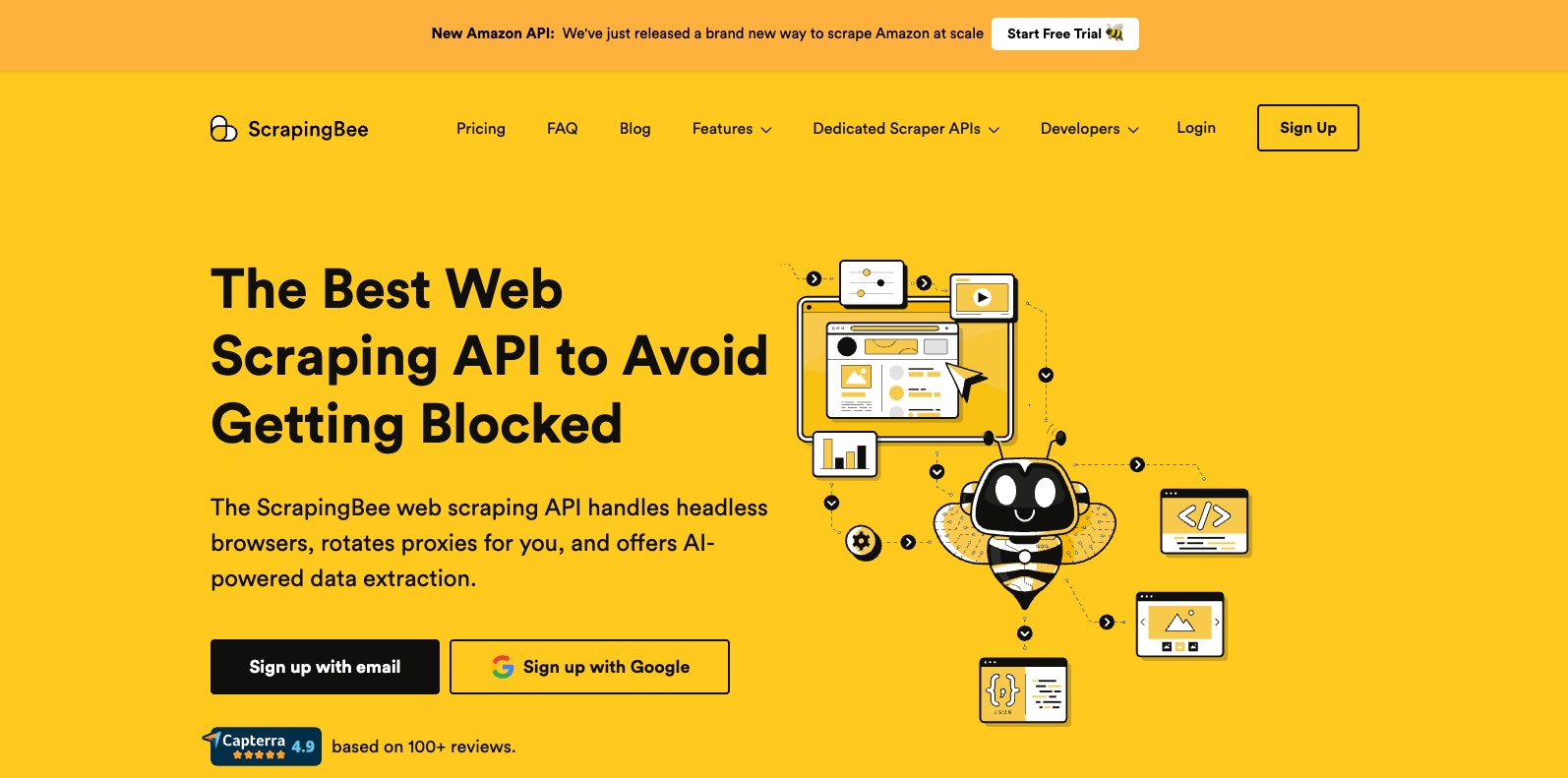
ScrapingBee is recognized among the best web scraping APIs for simplifying data extraction at scale. It handles proxies, headless browsers, and CAPTCHA solving automatically – you just send a URL and get the raw HTML back. Designed for scalable scraping, it lets teams focus on using data rather than managing infrastructure.
Key features
JavaScript rendering: renders pages using headless Chrome browsers, supporting Single Page Applications built with React, Vue.js, or any other JavaScript framework.
Automatic proxy rotation: rotates IPs from a large pool of residential and datacenter proxies, automatically retrying requests to maintain stable and reliable connection.
AI-powered data extraction: extracts structured data in JSON, Markdown, or plain text from plain-English instructions, without requiring CSS selectors.
Complex web systems handling: manages CAPTCHAs and other web scraping challenges using built-in tools and premium proxies.
Geo-targeting: routes requests through premium residential proxies in multiple countries worldwide using simple country-code parameters.
How it works
ScrapingBee operates as a simple REST API: you send a GET request with your API key and the target URL, and the service returns the raw HTML. Behind the scenes, ScrapingBee handles the entire scraping infrastructure, including headless browsers (latest Chrome), proxy rotation, and more. It charges only for successful requests (those returning 200 or 404 status codes) and automatically retries failed attempts.
Use cases
Price monitoring & e-commerce: track competitor prices, product availability, and reviews across multiple e-commerce sites without interruptions.
Job board & recruitment data aggregation: collect job postings from boards and company career pages to build recruitment databases or analyze hiring trends.
Search engine results scraping: extract search results at scale using the dedicated API for SEO monitoring, keyword research, or market analysis.
Pros
Renders JavaScript-heavy pages, single-page applications, and dynamic content, while managing proxies, retries, and CAPTCHAs – no infrastructure setup required.
Clean REST API with SDKs for Python, Node.js, and more; only two parameters (API key + URL) are needed to start scraping immediately.
Credits are only used for successful requests, ensuring cost-effective scraping at scale without wasted attempts.
Cons
Unlike traditional proxy providers, you don’t access or manage the proxy IPs directly – the proxy infrastructure is fully handled behind the API.
Credit usage can add up – premium features like JavaScript rendering or premium proxies can quickly consume credits for high-volume or complex scraping tasks.
Best for
ScrapingBee is best for developers and businesses who want to extract web data at scale without dealing with the complexities of proxy management, headless browser maintenance, or complex web interruptions – especially for scraping JavaScript-heavy e-commerce sites, monitoring competitor pricing, or collecting product and review data from protected websites.
Additional notes
Pricing: Starts at $49/month.
Free Trial: 1,000 free API calls with no credit card required.
Firecrawl – best for structured web data for RAG systems & pipelines
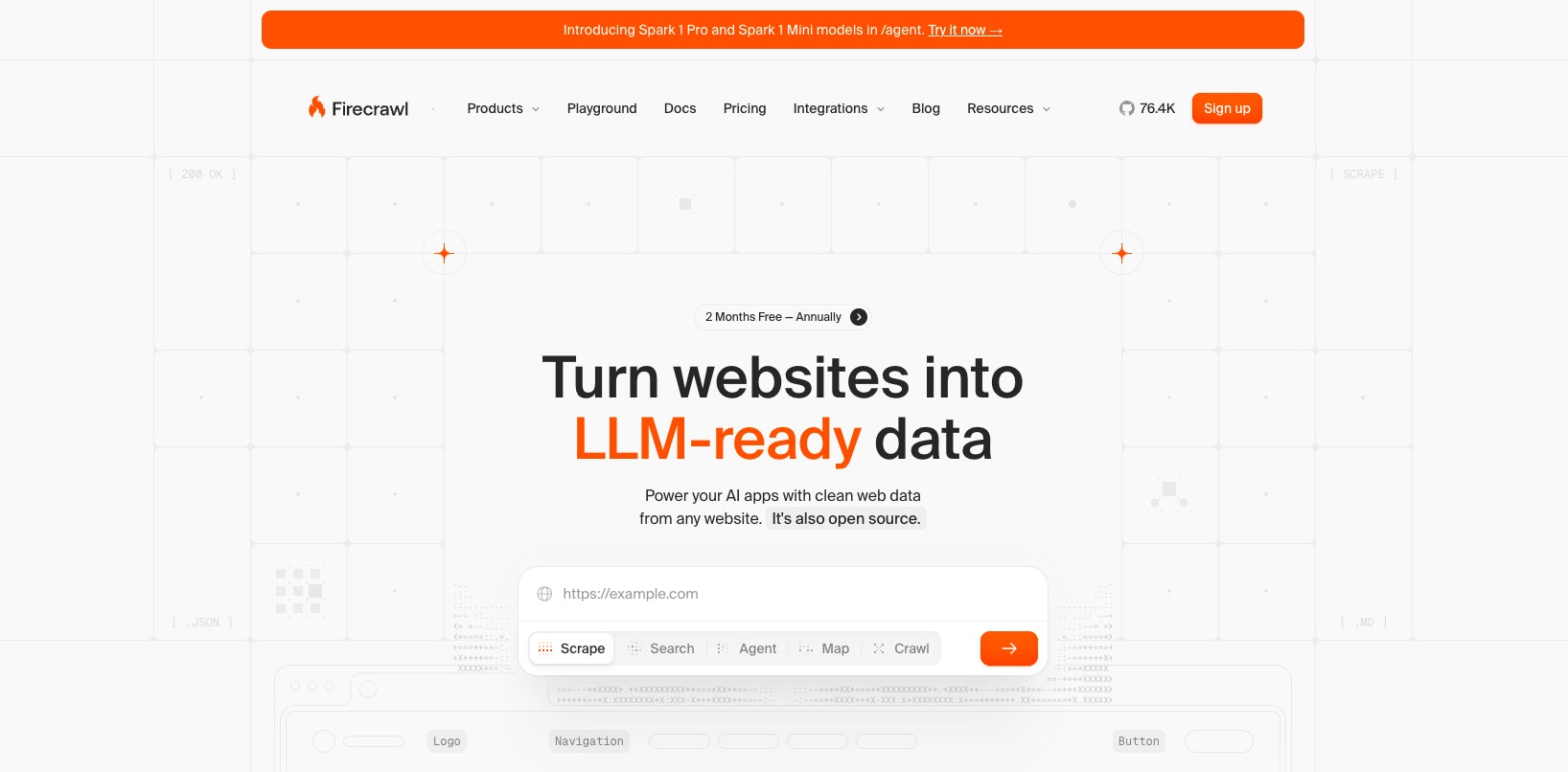
Firecrawl is a developer-first platform that turns website data into clean, structured, LLM-ready data with a single API call. It handles proxies and JavaScript rendering, maintaining stable access and returning content in Markdown or JSON – ideal for feeding RAG systems, AI agents, and automation workflows.
Key features
LLM-ready output formats: converts web pages into clean Markdown, structured JSON, HTML, screenshots, and more – optimized for feeding AI/LLM applications.
Full site crawling & mapping: discovers and scrapes all accessible domains’ subpages without a sitemap, while the Map feature quickly returns multiple URLs for targeted scraping.
AI-powered data extraction: extracts structured data using natural language prompts or Pydantic/Zod schemas.
Interactive actions: performs browser interactions before scraping, enabling access to content behind login walls or dynamic UI elements.
Built-in web search: searches the web and optionally scrapes full content from search results in a single API call, with customizable parameters for language, country, and content sources.
How it works
Firecrawl operates as a REST API: you provide a URL, and the service crawls the site, handles JavaScript rendering, handles complex web systems, and returns clean, LLM-ready data in your chosen format (Markdown, JSON, HTML, or screenshots). For full-site crawling, you submit a crawl job that returns a job ID, which you can poll to retrieve results as pages are processed. The service handles all infrastructure complexities – including proxies, dynamic content rendering, rate limiting, and output parsing – behind a simple API call.
Use cases
AI chat applications & RAG systems: ingests and structures entire website content for use in “chat with your website” bots and retrieval-augmented generation systems.
Lead enrichment & sales: scrapes company sites, profiles, and business directories to enrich CRM data with contact information, company details, and decision-maker profiles.
Deep research & competitive intelligence: collects and structures data from multiple sources to support market research, competitor monitoring, and academic analysis.
Pros
Designed specifically for RAG systems and AI agents, turning entire websites into clean, structured scraped data with a simple API.
Offers an extremely easy API while automatically managing proxies, headless browsers, JavaScript rendering, and full-site crawling from a single URL.
Open-source and self-hostable, with SDKs and native integrations across major AI frameworks and tools.
Cons
Requires basic programming knowledge and offers no visual interface, making it less suitable for non-technical users or tasks that rely heavily on complex, interactive workflows.
Advanced capabilities are available only in the hosted cloud version, and the credit-based pricing model can make cost estimation less predictable for high-volume or feature-heavy use cases.
Best for
Firecrawl is best for AI/LLM developers and teams building applications that need clean, structured AI web data at scale. It's especially useful for turning entire websites into Markdown or JSON for RAG pipelines, “chat with your website” tools, and AI agents, with the option to self-host or use a managed cloud service.
Additional notes
Pricing: Starts at $16/month.
Free trial: Free tier with 500 credits.
Browse AI – best for no-code scraping for dynamic websites
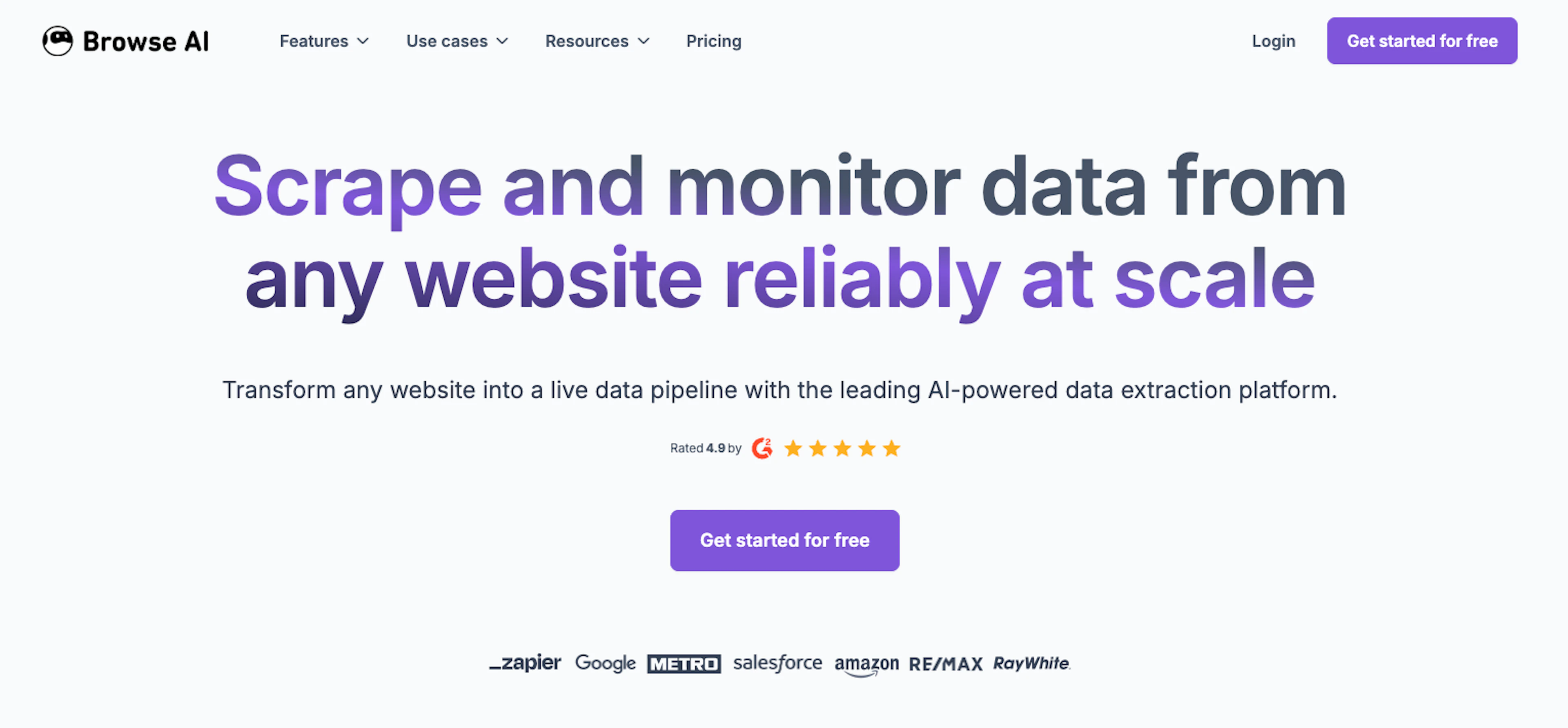
Browse AI is a no-code data extraction platform that lets users scrape websites by recording their actions. Instead of writing scripts or selecting elements, you simply interact with a site – logging in, clicking buttons, or navigating pages – and Browse AI automatically replicates those steps to collect data. It’s especially useful for extracting data from interactive, login-protected, or JavaScript-heavy websites, as well as for monitoring sites for changes over time.
Key features
Record-and-replay robot training: trains custom scrapers by recording browser actions, automatically replicating clicks, logins, form fills, dropdown selections, and navigation paths.
AI-powered website monitoring & change detection: runs scheduled scraping jobs and detects layout or content changes automatically, adapting workflows to prevent interruptions and maintain data accuracy over time.
Prebuilt scraping robots: provides ready-to-use robots for common data extraction tasks, enabling fast setup without custom configuration.
Integrations & data export: syncs extracted data directly to external tools via native integrations or APIs, and exports data in structured formats such as CSV or JSON.
Smart extraction: emulates browser behavior with built-in proxy rotation and CAPTCHA handling to scrape protected, JavaScript-heavy websites.
How it works
Browse AI uses a “show, don’t tell” approach – you install a browser extension, navigate to a website, and record the actions you want to automate (clicking, scrolling, logging in, selecting data). The platform’s AI observes your actions and creates a custom “robot” that can replicate those steps on demand or on a schedule. Once trained, robots run in the cloud to extract structured data, monitor for changes, and automatically push results to connected apps or spreadsheets.
Use cases
Price & competitor monitoring: tracks competitor pricing, product availability, and inventory levels across e-commerce platforms, with scheduled monitoring that alerts you to changes and keeps competitive intelligence spreadsheets up to date in real time.
Real estate data extraction: scrapes property listings, prices, and market data from real estate platforms to build databases for market analysis, investment research, or lead generation.
Lead generation from directories & job boards: extracts contact information, company details, and job postings from online directories, professional networks, and job boards, with automated monitoring to capture new listings as they appear.
Pros
Intuitive record-and-click interface lets anyone create custom scrapers for websites, including interactive and login-protected pages.
Automates multi-step actions like logins, form submissions, dropdown selections, infinite scroll, and dynamic JavaScript content.
AI-powered change detection automatically adapts robots to changes in website layouts, reducing maintenance and downtime.
Cons
High-volume or high-frequency scraping tasks can quickly consume many credits, especially for premium or protected sites.
Optimized for targeted business scraping millions of pages, making very large-scale scraping and parsing tasks potentially costly or limited.
Best for
Browse AI is best for non-technical users and business teams who need to create custom own scrapers for interactive, login-protected, or JavaScript-heavy websites without writing code. It's particularly useful for monitoring competitor websites for pricing and product changes, automatically collecting lead data from directories or job boards, and tracking updates on targeted online platforms.
Additional notes
Pricing: Starts at $19/month.
Free trial: Free tier with 50 credits.
Octoparse – best for e-commerce and market research with visual, point-and-click scraping
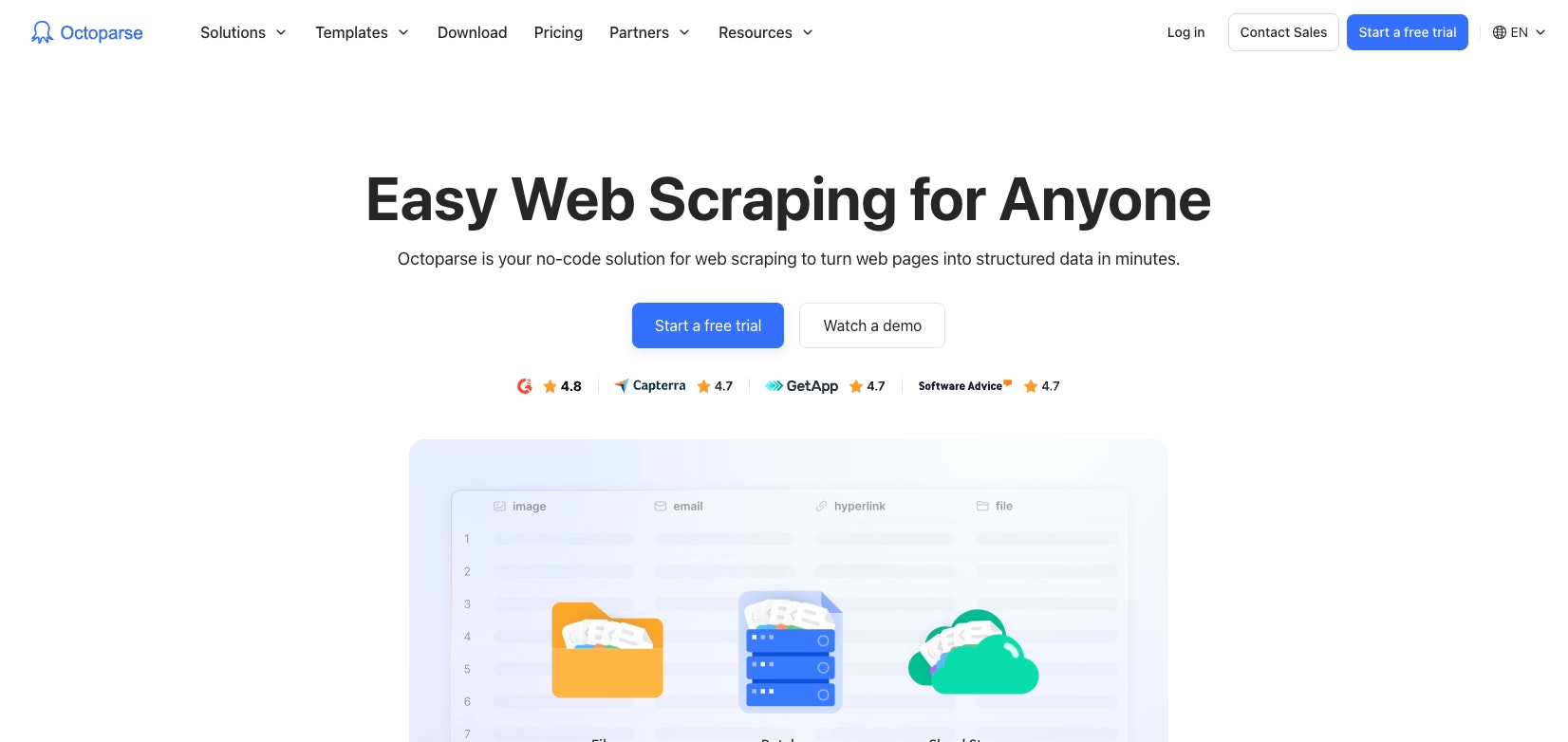
Octoparse is a desktop and cloud-based AI web scraper that makes data extraction accessible without coding. Its visual point-and-click interface and AI-powered auto-detect feature let users quickly code web scrapers for complex, JavaScript-heavy websites. Octoparse handles tasks like pagination, dynamic content, and scheduling, making it ideal for e-commerce scraping, market research, and other data-driven workflows.
Key features
AI-powered auto-detect: scans entire webpages and identifies extractable data fields, automatically generating a scraping workflow with minimal manual setup.
Visual point-and-click builder: allows users to select webpage elements and build extraction workflows, while providing drag-and-drop customization – all without coding.
Cloud & local extraction options: runs scrapers either on a local machine or in the cloud, handling scheduling, parallel processing, automatic IP rotation, and 24/7 operation.
Advanced requests handling technology: manages proxies, rotates IPs and user agents, and handles CAPTCHA automatically to navigate protections and ensure uninterrupted scraping.
Pre-built templates: provides ready-made scrapers for common site structures, enabling instant extraction of structured data with minimal configuration.
How it works
Octoparse is a desktop application (Windows/Mac) where you enter a URL, and the AI auto-detect feature scans the page to identify and structure extractable data. You can refine the selection using the visual point-and-click interface, then build custom workflows to handle pagination, scrolling, login authentication, dropdown menus, and other interactions. Once configured, tasks can run locally or in the cloud for scheduled, automated extraction, with results exported to your preferred format or database.
Use cases
E-commerce price monitoring & competitive intelligence: extract product listings, prices, reviews, and inventory data from online marketplaces to track competitor pricing, monitor market trends, and support pricing strategies.
Lead generation & business directory scraping: collect contact information, company details, and business listings from online directories and industry databases to build sales prospecting lists.
Academic & market research: gather large datasets from news sites, social media, job boards, and public sources for research, market analysis, sentiment analysis, and other data-driven studies.
Pros
Handles JavaScript-heavy pages, infinite scrolling, dropdowns, IFrames, and login-protected content through an intuitive point-and-click workflow builder – making complex scraping accessible without coding.
Runs tasks locally for full data privacy or on the cloud for 24/7 operation, automatic scheduling, and parallel processing.
Outputs structured data in multiple formats (Excel, CSV, JSON, HTML, XML) or directly to databases and Google Sheets, with API access for automated workflows.
Cons
Advanced features like XPath customization, dynamic content handling, and complex workflows require significant time to master, making the tool challenging for beginners.
Customer support response times can be slow, especially for users outside the primary support region, which may delay resolution of critical issues.
Best for
Octoparse is best for e-commerce businesses, market researchers, and data-driven teams who need a powerful desktop application with visual workflow building for scraping complex, JavaScript-heavy websites – particularly for monitoring product pricing, tracking competitor listings, or gathering market data – with the flexibility to run scrapers locally or in the cloud.
Additional notes
Pricing: Starts at $60/month.
Free trial: Free tier with 10 tasks.
API-first vs. no-code AI web scraping tools
The core difference between these two approaches lies in whether you need a programmable engine to power an application or a visual platform to automate a business process.
API-first (developer-centric): tools like Firecrawl and ScrapingBee are built to be used directly from code. You interact with them via API requests or SDKs, and they act as a backend engine that plugs into your application – feeding data into AI agents, RAG pipelines, vector databases, or other custom workflows.
No-code (user-centric): Tools like Oxylabs AI Studio are designed to be used through a visual dashboard, not code. You interact with them using plain-English prompts and a point-and-click GUI to configure workflows. All the technical complexity – like automated request handling – stays hidden in the background, making it easy to automate monitoring, schedule data collection, and sync results to spreadsheets or other business tools without a development team.
Here’s this comparison at a glance:
| Feature | API-first tools | No-code tools |
|---|---|---|
| Setup | Writing scripts (Python, JS, MCP) | Plain-English prompts or point-and-click / record actions |
| Scalability | Limited only by your code logic | Bound by platform task limits |
| Maintenance | Developer updates the script logic | AI "self-heals" or user retrains robot |
| Flexibility | Full control over headers & logic | Limited to what the UI supports |
Rather than choosing one approach over the other, many modern teams follow a hybrid approach, using no-code tools for early exploration and setup, then switching to API-first solutions as they scale.
No-code platforms are well-suited for reconnaissance – mapping complex website structures or login-protected sites, testing access, and validating what data is available – while API-first tools are used to build high-speed, production-grade pipelines that reliably feed data into AI models and other large-scale systems.
How to choose the right AI scraping tool
Choosing an AI scraping tool isn’t just about features – it’s about aligning the tool with your technical capabilities, scale requirements, and the complexity of the sites you need to access. Here are some key factors to consider:
Consider your technical skills. No-code tools use visual, point-and-click interfaces and are ideal if you don’t want to write or maintain code; API-first tools are better suited for developers who want to integrate scraping directly into applications, pipelines, or AI systems.
Define your primary use case. Some tools are optimized for feeding clean, structured data into AI models and RAG systems; others focus on monitoring websites over time, tracking changes, or extracting business data, such as prices or listings.
Assess your data volume & budget. Smaller projects typically work well with entry-level plans and usage-based pricing; high-volume or enterprise use cases require tools built for scale, reliability, and predictable performance.
Match output format to your workflow. If your workflow involves AI or automation, prioritize tools that return clean, structured formats like JSON or Markdown; if your goal is reporting or analysis, tools that export directly to spreadsheets or databases may be a better fit.
Evaluate site complexity. Simple, static websites require minimal setup and are supported by most tools; JavaScript-heavy, dynamic, or login-protected sites need browser-based automation and stronger request handling capabilities.
Final thoughts
The “best” AI scraping tool isn’t the one with the most features – it’s the one that fits your technical skills, workflow, and use case. Developers building AI pipelines or RAG systems may prefer API-first platforms for clean, structured, scalable data, while business teams and analysts benefit from a no-code scraper that automates monitoring and collection without coding. Many teams combine both approaches: using no-code tools to explore and validate sites, then API-first solutions to scale reliable, production-grade pipelines. Start with a free trial, test your target sites, and align your choice with your goals – by doing so, you’ll turn powerful AI data scraping tools into actionable, insight-driven data while avoiding unnecessary complexity.
If you want to delve deeper into the topic of how to extract data from a website or data grounding, or learn about what is Python used for in addition to web scraping, make sure to check our other blog posts.
Frequently asked questions
Is AI web scraping legal?
AI scraping is legally permissible for publicly accessible data, such as prices, facts, or public listings, provided applicable laws are followed. Collection of personal information (PII) without consent is prohibited under regulations like GDPR and CCPA. Accessing content behind paywalls or login-protected areas may violate laws such as the CFAA in the US, and republishing copyrighted material constitutes infringement. Compliance with a site’s robots.txt directives and, when necessary, the use of official APIs or the obtaining of permission are required to ensure lawful data collection process.
What data formats can AI scraping tools export?
Can an AI web scraper handle CAPTCHAs and other interruptions?
Can I use AI tools like ChatGPT or Gemini for web scraping?
Do you need technical skills to use an AI web scraper?
Forget about complex web scraping processes
Choose Oxylabs' advanced web intelligence collection solutions to gather real-time public data hassle-free.
About the author

Agnė Matusevičiūtė
Technical Copywriter
With a background in philology and pedagogy, Agnė focuses on making complicated tech simple.
All information on Oxylabs Blog is provided on an "as is" basis and for informational purposes only. We make no representation and disclaim all liability with respect to your use of any information contained on Oxylabs Blog or any third-party websites that may be linked therein. Before engaging in scraping activities of any kind you should consult your legal advisors and carefully read the particular website's terms of service or receive a scraping license.
Related articles
Best Datacenter Proxies in 2026: Top Providers Compared by Pricing & Performance

Augustas Pelakauskas
2026-01-07




Get the latest news from data gathering world
Scale up your business with Oxylabs®
Forget about complex web scraping processes
Choose Oxylabs' advanced web intelligence collection solutions to gather real-time public data hassle-free.